Image bytes stay here
Source image bytes, decoded pixels and generated results remain in the current browser tab.
Local image cleaning and upscaling
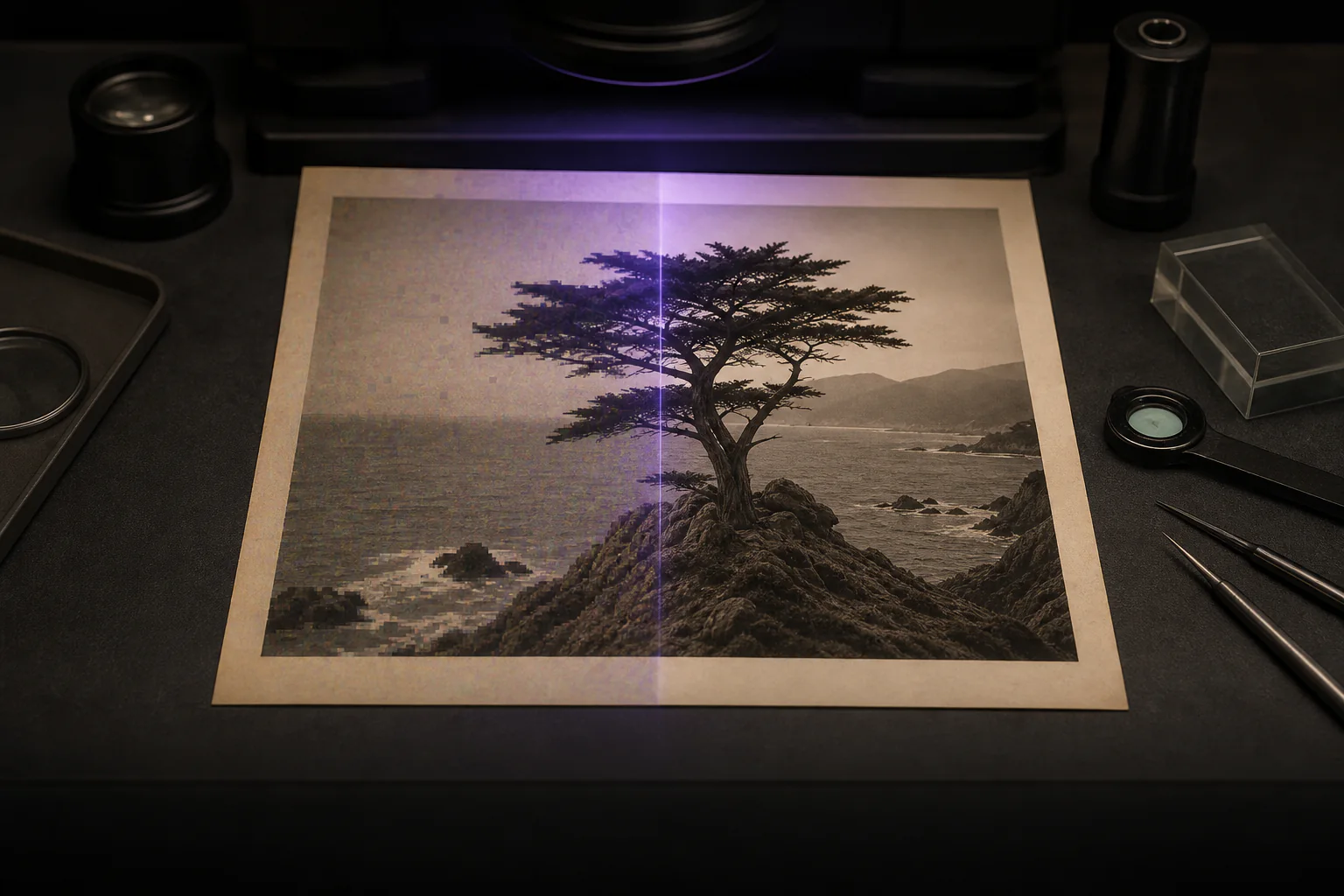
PicRemedy can reduce noise and JPEG or WebP artifacts without changing dimensions, or synthesize a 2x or native 4x output when the larger model passes on this device. Source image bytes stay in this tab, and AI-generated detail is not recovered ground truth.
Add up to 10 imagesNo account · no server image processor · inspect before saving
On this device
Local repair progress
Your result
Inspect the actual pixels
Drag directly on the image, then save this queue item only if the generated change suits it.
Source image bytes, decoded pixels and generated results remain in the current browser tab.
AI Clean and Neural Upscale appear only after their exact packaged model passes its browser check.
AI can synthesize plausible detail and artifacts; comparison shows the change before you save it.
Also on PicRemedy
Remove the background from an image and save a transparent PNG at the original pixel dimensions. Photos of people today; nothing is uploaded and there is no sign-up.
No. Source image bytes, decoded pixels and generated results remain in the current browser tab. The page still requests its own model files and property-free audience measurement.
It uses a compact neural model to reduce noise and common JPEG or WebP compression artifacts without changing the image dimensions.
PicRemedy shows it only after the exact browser model and parity fixture pass on the current graphics device. Compatibility resize remains available.
Both come from the same V6 neural package. The 4x choice uses its native output instead of enlarging the 2x result again.
No. A model synthesizes a plausible output from the available pixels and may add artifacts. Compare the result at full size before using it.
PicRemedy revokes local object URLs and drops the in-page queue. It does not create a server copy of a source or generated image.
AI Clean keeps the width and height of your image. It tries to reduce noise and the blocky patches that JPEG or WebP compression leaves behind. Neural Upscale, where your device offers it, makes a larger image by predicting pixels that the source never held. Compatibility resize enlarges with ordinary canvas resampling and uses no model at all.
Treat every model output as a suggestion. The pixels a model adds are inferences from the pixels around them. Faces, text, repeated patterns and high-contrast edges are where a wrong guess is easiest to see. Compare the result at full size, and keep your original file.
For a noisy or heavily compressed picture that should stay the same size, start with AI Clean. For a small picture that has to be larger, work out how much larger first. Three short guides go further.
Each guide states its limits next to its claims and links to the receipt-backed method on the method page.